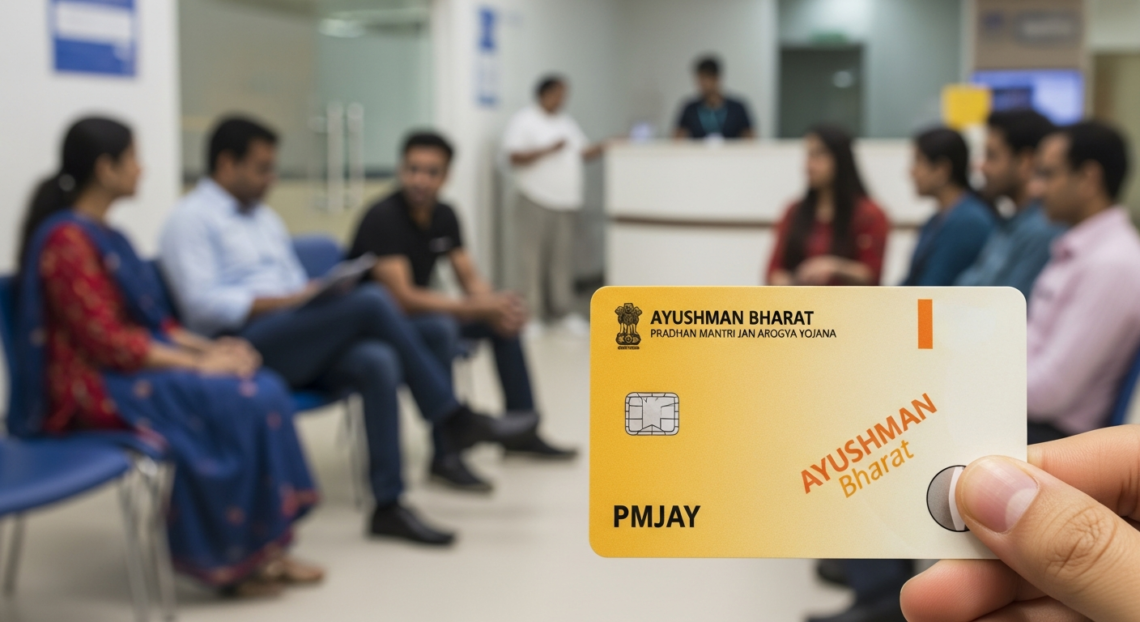
Healthcare access is a right, and the Ayushman Card makes it easier for millions of Indians to get free or subsidized medical treatment. Whether you are new to the scheme or need a digital copy, downloading your Ayushman Card is simple if you know the right steps. In this article, we will guide you through the process, answer common questions, and share tips to make the process hassle-free.
With this guide, you can ensure that your health benefits are always at your fingertips. Keep reading to learn everything about Ayushman Card download, eligibility, and usage.
What is the Ayushman Card?
The Ayushman Card is part of India’s flagship health insurance program, Pradhan Mantri Jan Arogya Yojana (PM-JAY). It provides free health insurance for eligible families, covering hospitalization, surgeries, and critical care. The card acts as proof that you are enrolled in the scheme.
Today, many beneficiaries prefer the digital version of the Ayushman Card because it is convenient, safe, and always accessible on mobile devices. With a few clicks, you can download it, show it at hospitals, or even share it digitally.
Who is Eligible for an Ayushman Card?
Eligibility depends on your family’s socio-economic status. Typically, the card is issued to those listed in the SECC 2011 database, which includes underprivileged families.
Even if you are not sure about your eligibility, you can check online using your mobile number or Aadhaar card. Downloading the card is free for all eligible citizens. This ensures everyone can access health services without worrying about paperwork.
Benefits of Ayushman Card
The Ayushman Card is more than just an ID. Here are some key benefits:
- Cashless treatment in empaneled hospitals.
- Access to free or subsidized surgeries and medical care.
- Portable digital card for use across India.
- Quick verification during hospital visits.
Having the card ensures that health emergencies don’t become financial burdens. The Ayushman Card download feature allows beneficiaries to keep it handy anywhere.
How to Download Ayushman Card Online
Downloading your Ayushman Card is straightforward. Here’s how:
- Visit the official Ayushman Bharat portal.
- Enter your mobile number or details like name, age, and state.
- Verify your identity through OTP.
- Download the digital PDF of your Ayushman Card.
You can save it on your phone, tablet, or print it for physical use. The online method is safe and avoids long queues at local centers.
Step-by-Step Ayushman Card Download via Mobile App
For mobile users, the Ayushman Bharat mobile app makes it easier:
- Download the app from Google Play Store or Apple App Store.
- Sign in using your registered mobile number.
- Navigate to “My Cards” section.
- Click Download to save your digital card.
This method ensures you always have your card in your pocket, ready for hospital verification.
Ayushman Card Download Without Mobile Number
If you don’t have a registered mobile number, don’t worry. You can still access your card:
- Visit the nearest Common Service Centre (CSC).
- Provide your Aadhaar number and family details.
- The staff will help you download and print the card.
This ensures everyone has equal access to benefits, regardless of technology availability.
Common Issues While Downloading Ayushman Card
While downloading, you may face minor issues like:
- OTP not received.
- Incorrect personal details.
- App or portal not loading.
Most of these can be resolved by checking your internet connection, verifying your details, or using another device. Patience is key, and your card is just a few steps away.
Using Your Ayushman Card in Hospitals
Once you have your card, hospitals will scan it or verify it using your name and Aadhaar. You can access cashless treatment at empaneled hospitals across India.
Remember, keeping a digital copy ensures faster service and avoids the risk of losing a physical card. Many hospitals accept both digital and printed versions.
Tips to Keep Your Ayushman Card Safe
- Save a PDF copy in your phone’s secure folder.
- Take a printed copy for emergencies.
- Do not share your OTP with anyone.
- Regularly check your card details for accuracy.
These steps help protect your health information while ensuring you enjoy all benefits seamlessly.
Ayushman Card Download: Key Insights
Digital access to health services is a game-changer. By downloading your Ayushman Card, you ensure fast, convenient, and secure access to healthcare. The process is user-friendly, and anyone can follow the steps without technical expertise.
Biography Table (Example for Reference)
| Name | Ayushman Card Holder |
| Age | 32 |
| State | Uttar Pradesh |
| Family Members | 5 |
| Enrollment ID | AB123456789 |
| Digital Card | Yes |
| Issued On | 15 Dec 2025 |
| Benefits | Hospitalization, Surgeries, Cashless Treatment |
FAQs
1. How can I download my Ayushman Card online?
You can download it through the official Ayushman Bharat portal or mobile app using your registered mobile number.
2. Is the Ayushman Card free?
Yes, the card and all its benefits are completely free for eligible families.
3. Can I download the card without a mobile number?
Yes, visit the nearest CSC with your Aadhaar card and family details.
4. How do I use the Ayushman Card in hospitals?
Show the digital or printed card at any empaneled hospital for cashless treatment.
5. What if my details are incorrect on the card?
Contact your nearest Ayushman Bharat center to update your personal information.
6. Can I share my Ayushman Card digitally with family members?
Yes, you can share the PDF digitally, but ensure security and avoid sharing OTPs.
Conclusion
Downloading your Ayushman Card is simple, quick, and essential for accessing free healthcare. By following these steps, you can always have your card ready for emergencies. Don’t wait—download your Ayushman Card today and ensure your family’s health and security.
Also Read More About This Post: Ayushman Card Download